
George Paxinos, Charles Watson. The Rat Brain in Stereotaxis Coordinates (Мозг крысы в стереотаксических координатах)
Подождите немного. Документ загружается.

definition of lines in the diagram.
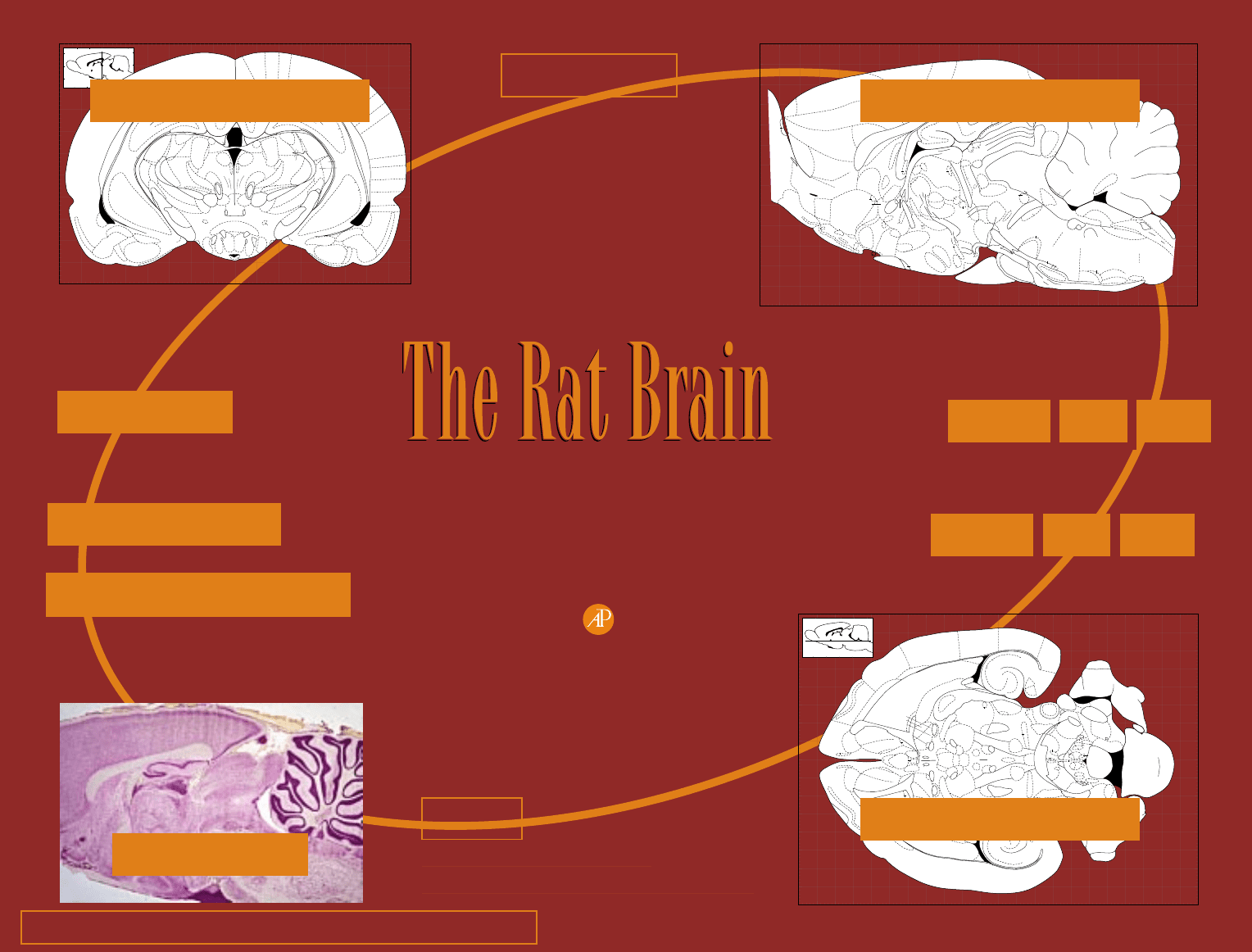
INDEX OF ABREVIATIONS - by clicking on this you can view the
alphabetical list of abbreviations along with the full name of each
structure.
LIST OF STRUCTURES - by clicking on this you can view the
alphabetical list of the full names of all structures, each followed by the
abbreviation.
HELP - by clicking on this, you are taken to the tabular summary of
features of the START PAGE.
VIEWING, PRINTING, AND EDITING THE LABELED AND
UNLABELED DIAGRAMS
Click on the relevant area on the START PAGE. A plan diagram of a
sagittal section will appear. Click on the relevant area of brain to
obtain the corresponding coronal, sagittal or horizontal section
diagram. (It will appear on release of the mouse button.) Most, but not
all, diagrams are linked to the sagittal and coronal plan diagrams, so
the level selected may be the exact section required or one or two
levels away from the desired coronal, sagittal or horizontal section.
The desired section can quickly be reached by advancing from the
section that is displayed. Once a coronal section is displayed, different
views and magnifications can be selected from the pull down menus
or icons - information on these menus and icons can be found in the
Help section of Adobe Acrobat. (Click on the standard Help icon at the
top of the window.)
To PRINT the diagram that has been selected, choose Page Setup from
the File pull-down menu. Choose the desired magnification or
reduction and the paper format to be used. Use the unlabeled
diagrams with thick lines if the desired final size is to be less than 50%
(The reason for this is that the reduction of the overall diagram also
reduces the thickness of the lines, so substantial reductions should be
carried out on the diagrams with double thickness lines.) Next, select
the Print command from the File menu, and select the ‘Shrink to Fit
Page’ option. This ensures that the full page is printed.
To ANNOTATE OR EDIT a diagram or part of a diagram (for example,
for the insertion of lesion or electrode placement marks), use the Select
Graphics option in the TOOLS menu. All or part of the diagram can be
selected and copied for subsequent pasting into a graphics program or
an advanced word processor program. The images are copied as bit-
mapped images. For better results after the area has been selected,
higher magnification should be selected (usually 400%) using the
“Zoom to..” option in the VIEW menu. Files or parts of files can also
be edited (as vector mapped files) by importing Adobe Illustrator Files
(from AI3FILES folder) into Adobe Illustrator or a graphics program
such as CorelDRAW that can open Adobe Illustrator files. To return to
the sagittal or coronal plan diagrams, click the Window exit button.
Copyright © 1998 by George Paxinos and Charles Watson
All Rights Reserved.
No part of this publication may be reproduced or transmitted
in any form or by any means, electronic or mechanical, including
input into or storage in any information system, without permission
of the publisher.
All brand names and product names mentioned in this publication are
trademarks or registered trademarks of their respective companies.
Academic Press, Inc.
525 B Street, Suite 1900, San Diego, California 92101-4495, USA
http://www.apnet.com
Academic Press, Ltd.
24-28 Oval Road, London NW1 7DX, UK
http://www.hbuk.co.uk/ap/
International Standard Book Number: 0-12-547617-5
Produced in the United States of America.
List of Structures
Introduction
Index of Abbreviations
7
6
5
4
3
2
1
0
1
2
3
4
5
6
7
14 13 12 11 10 9 8 7 6 5 4 3 2 1 0 -1 -2 -3 -4 -5 -6
5 4 3 2 1 0 -1 -2 -3 -4 -5 -6 -7 -8 -9 -10 -11 -12 -13 -14 -15
7
6
5
4
3
2
1
0
1
2
3
4
5
6
7
Interaural 2.90 mm
Bregma -7.10 mm
Figure 100
Interaural
0
+10
10
10
-10
0
Bregma
-15
-5
5
5
+5
0
+15
+5 -5
0
10 9
4V
1
MVe
SpVe
ECu
Cop
DC
LR4V
VCA
Fl
PFl
ILL
LPB
scp
SuVe
LVe
MPB
Me5
PL
PPTg
MiTg
R
LCSPTg
xscp
CLi
scp
scp
PaR
mlf
SubCA
VTg
DRC
Sph
Bar
LDTg
DTgP
DTgC
Rbd
LC
MVe
LVe
SuVe
scp
me5
LPB
icp
DC
mcp
Cb
ll
vsc
PBG
dtgx
RLi
fr
3V
RI
ml
F
SPF
Re
Rh
Re
VRe
3V
f
cp
hf
st
opt
sox
alv
LV
ec
rf
lo
aci
aca
ac
acp
IPAC
SL
ic
sm
mch
RRF
ZID
VM
SM
Rt
B
B
B
MGP
Sub
mt
ADP
VDB
MnPO
Ld
AOP
AOV
VTT
AcbSh
ICjM
AcbC
VPL
ZI
SubG
SNR
SNL
SNCD
DG
PaS
PrS
S
PoDG
CA3
CA2
CA1
MEnt
LEnt
LaDL
PRh
Ect
LGP
CPu
Pir
DEn
AIP
AIV
Cl
BSTMA
BSTMPM
BSTMPL
BSTL
BSTMPI
Horizontal Diagrams
Help
How to Copy Figures
Permission to Reproduce Figures
Unlabeled Diagrams
Thick Line Diagrams
Coronal Sagit Horiz
Coronal Sagit Horiz
IN STEREOTAXIC COORDINATES
Fourth Edition
George Paxinos & Charles Watson
Academic Press 1998
CD-Rom design by Paul Halasz
WWW Link
6 5
43
2
1
0
12
3
4567
7
0
1
2
3
4
5
6
7
8
9
7
6
4
2
3
10
1
23
6
7
5
45
2
1
3
4
5
6
7
8
9
10
0
+10
10
10
-10
0
Bregma
-15
-5
5
5
+5
0
+15
+5 -5
0
Interaural
Interaural 4.48 mm Bregma -4.52 mm
Figure 38
DG
AHiPM
PMCo
PLCo
BLP
APir
Pir
DEn
CA2
CA3
SNR
SubG
ZIV
ZID
F
PR
RI
fr
fr
pv
scp
PF
3V
PH
mtg
pm
sumx
SuM
MMn
MM
ML
LM
VTM
Gem
LH
f
MRe
cp
mfb
ns
ml
ic
sox
opt
ar
alv
bsc
pc
SCO
PrC
PVP
OPT
APTD
APTV
Sc
Eth
SPFPC
VPM
Po
LPLC
LPLR
LPMR
LPMC
IMA
DLG
IGL
VLGMC
VLGPC
CA2
CA3
DG
PoDG
CA1
MPT
dhc
df
cc
IG
cg
hf
alv
ec
rf
af
PiRe
LV
3V
LEnt
PRh
Ect
TeA
AuV
Au1
AuD
S1
PtA
V2ML
V2MM
RSA
RSGb
str
hbc
ArcMP
Coronal Diagrams
Color Plates
-1
14 13 12 11 10 9 8 7 6 5 4 3 2 1 0 -1 -2 -3 -4 -5 -6
5 4 3 2 1 0 -1 -2 -3 -4 -5 -6 -7 -8 -9 -10 -11 -12 -13 -14 -15
0
1
2
3
4
5
6
7
8
9
10
11
10
9
8
7
6
5
4
3
2
1
0
Lateral 0.90 mm
Interaural
Interaural
Bregma
Bregma
Figure 81
IO
IO
9
9
sf
8
ppf
7
6
6
6
psf
prf
5
4
3
2
1
10
10
Cu
cu
pcuf
Med
plf
4V
4V
MVePC
MVe
MVeMC
sol
IRt
SolG
g7
asc7
DPGi
MdV
Gi
GiV
GiA
LPGi
py
Tz
tz
PnV
6n
RtTg
RtTgP
ml
PnC
DMTg
Pn
lfp
APit
tfp
cp
IPF
ml
TM
f
mp
3n
VTA
R
RRF
mlf
SPTg
xscp
vtgx
PnO
ts
Pa4
dtg
LDTg
SMV/4x
CGPn
me5
IMLFG
MCPC
pc
SuM
DM
VMH
PMV
LM
SMT LH
RI
PMD
TC
ox
sox
scp
SolM
VLPAG
LPAG
DLPAG
CIC
DCIC
cic
ECIC
PrC
PCom
PPT
OPT
PF
fr
PF
PF
PC
MD
VPPC
SPF
VM
VM
mt
ZI
SubV
SubD
MDL
PT
AM
IAD
Rt
f
PaPo
SuG
Op
InG
InWh
DpG
DpWh
Zo
RSGa
RSGb
V1M
V2MM
RSA
scc
dhc
S
bsc
CA1
CA2
CA3
vhc
DG
hf
LHbL
sm
3V
cc
M1
M2
M2
FrA
rf
Cg1
Cg2
PrL
VO
IL
DP
DTT
AOM
lo
OB
AOB
AOV
AOP
E/OV
VTT
Tu
ICj
VP
mfba
gcc
LSD
Ld
SFi
pcf
TS
LSI
LSV
LSV
PLd
CST
ac
BAC
PS
SO
SI
HDB
mfbb
AcbSh
VP
MPA
LA
ICjM
BSTMA
StHy
AHA
AHP
AHC
BSTMPM
BSTMP
Al
mcer
IG
Sagittal Diagrams
Copyright (c) 1998 by George Paxinos and Charles Watson
Copyright © 1998 by George Paxinos and Charles Watson
All Rights Reserved.
No part of this publication may be reproduced or transmitted in any form or by any means,
electronic or mechanical, including input into or storage in any information system, without
permission of the publisher.
All brand names and product names mentioned in this publication are trademarks or registered
trademarks of their respective companies.
Academic Press, Inc.
525 B Street, Suite 1900, San Diego, California 92101-4495, USA
http://www.apnet.com
Academic Press, Ltd.
24-28 Oval Road, London NW1 7DX, UK
http://www.hbuk.co.uk/ap/
International Standard Book Number: 0-12-547617-5
Produced in the United States of America.
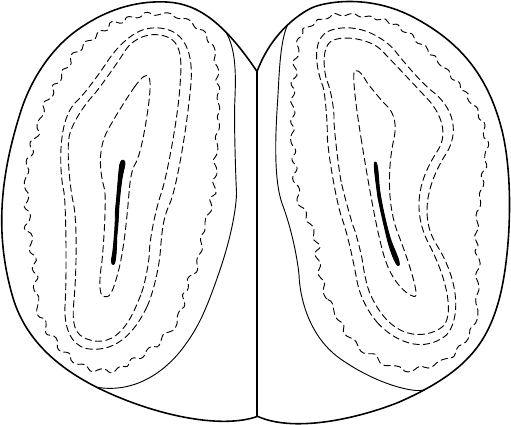
Interaural 15.70 mm
Bregma 6.70 mm
Figure 1
E/OV
ON
Gl
IPl
Mi
EPl
GrO
aci
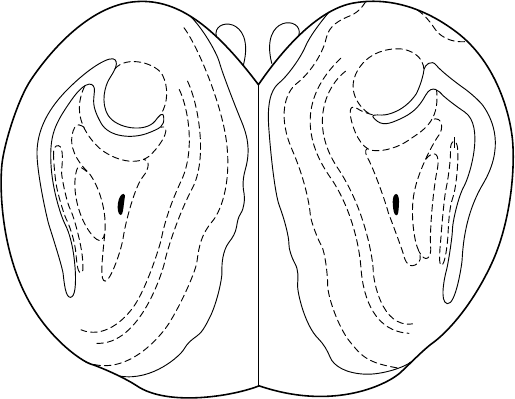
Interaural 15.20 mm
Bregma 6.20 mm
Figure 2
dlo
lo
E/OV
aci
GrA
AOB
GrA
AOL
GrO
ON
AOE
Gl
EPl
Mi
IPl
vn
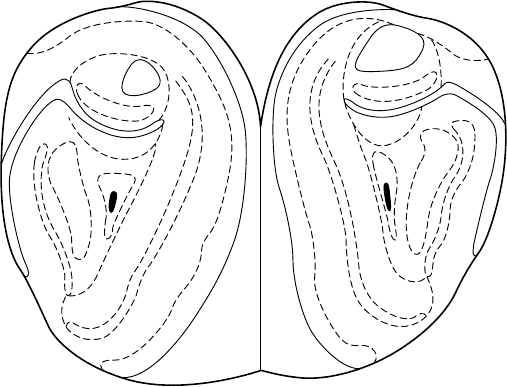
Interaural 14.70 mm
Bregma 5.70 mm
Figure 3
dlo
VN
aci
E/OV
lo
ON
Gl
EPl
Mi
IPl
GrO
AOL
AOE
GrA
MiA
GrO
GlA
EPlA
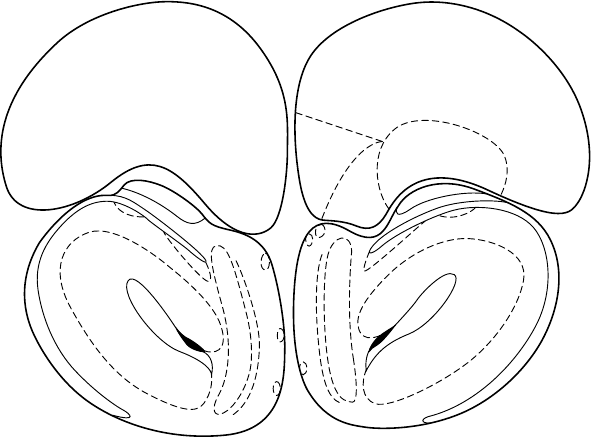
Interaural 14.20 mm
Bregma 5.20 mm
Figure 4
rf
LO
lo
aci
E/OV
Gl
EPl
GrO
AOM
AOD
AOL
AOV
AOE
Mi
IPl
AOB
MO
VO
FrA
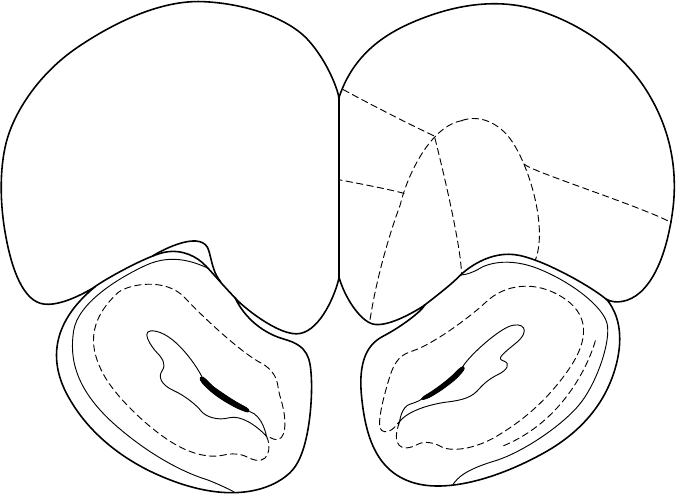
Interaural 13.70 mm
Bregma 4.70 mm
Figure 5
lo
aci
rf
E/OV
AOV
AOL
AOD
AOM
LO
PrL
MO
VO
FrA
DLO
1a
1b
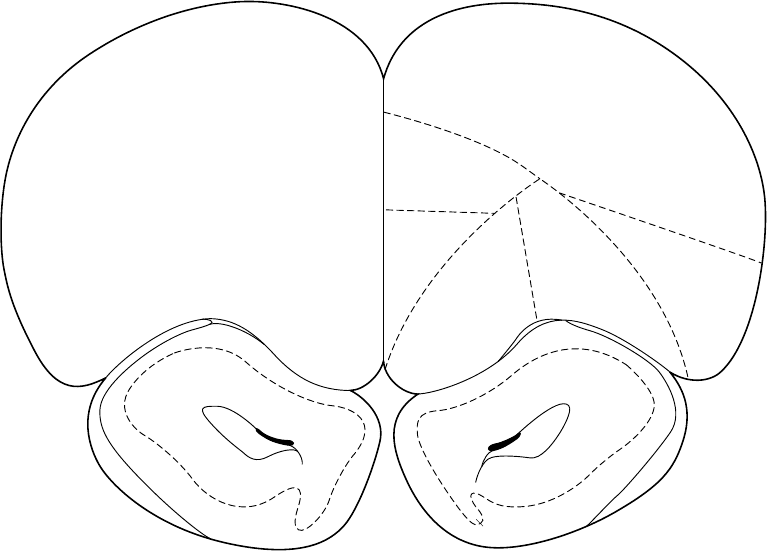
Interaural 13.20 mm
Bregma 4.20 mm
Figure 6
LO
AOD
AOL
AOV
AOM
VTT
E/OV
aci
rf
lo
M2
PrL
MO
VO
DLO
ri
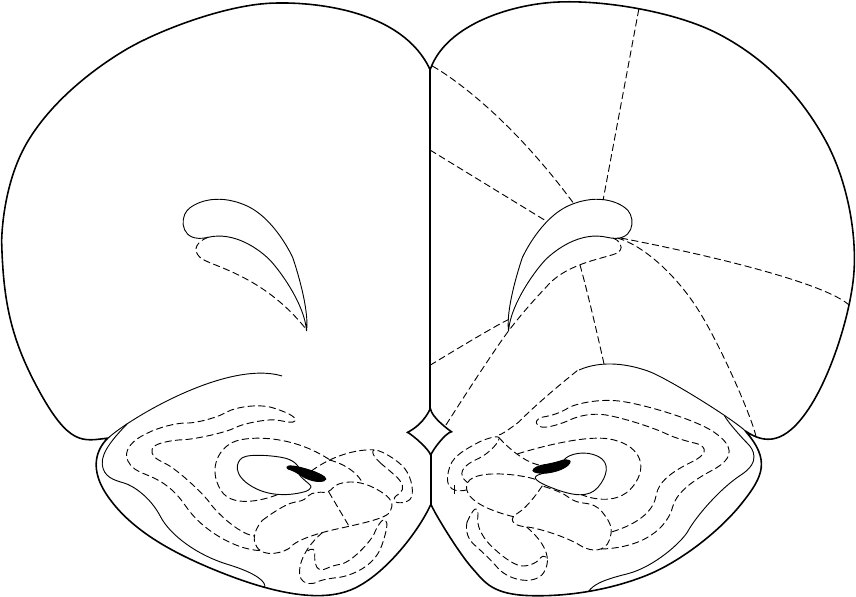
Bregma 3.70 mm
Interaural 12.70 mm
Figure 7
Cg1
LO
DTr
DEn
Pir
1
2
3
AOV
AOM
VTT
1
1
2
2
3
3
DTT
ri
E/OV
aci
lo
rf
MO
M2
M1
AI
VO
PrL
fmi
Cl